> ## Documentation Index
> Fetch the complete documentation index at: https://support.customtypeone.com/llms.txt
> Use this file to discover all available pages before exploring further.
# Firmware Update
Both the **SugarPixel app** and **device firmware** are updated regularly with new features and fixes.
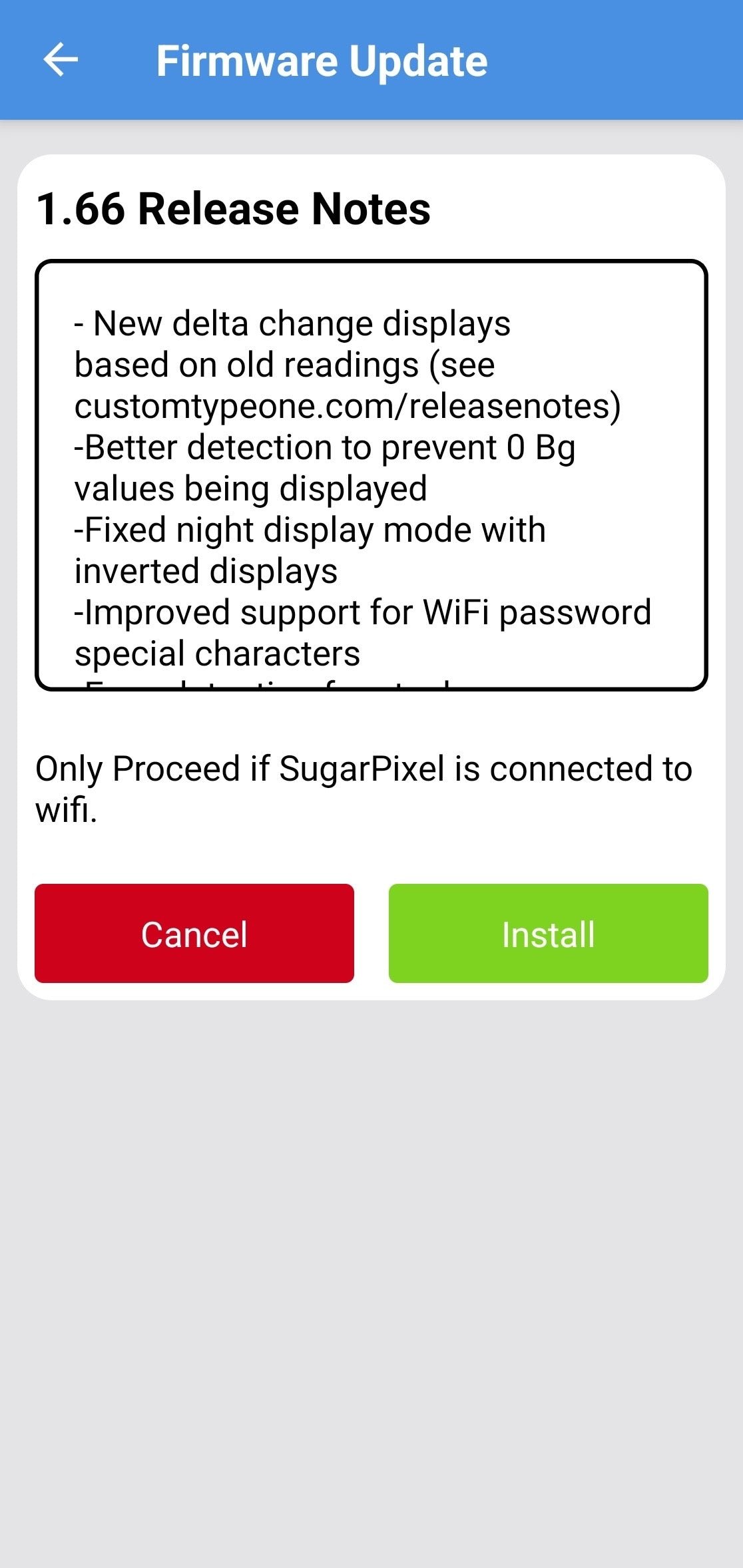 1. **Enable update notifications**
Turn on notifications for the SugarPixel app in your phone's settings so you're alerted when updates are available.
2. **Install the update**
Tap **Install** in the app. SugarPixel Mini/Classic displays **"UPDATE"** while the update runs — follow the on-screen instructions. Tap **Update App** to confirm you're on the latest app version.
3. **If the update stalls**
If **"UPDATE"** shows for more than 10 minutes: reboot your phone, unplug and replug SugarPixel Mini/Classic, temporarily disable phone WiFi, then retry.
### Bluetooth Update Mini
SugarPixel Mini can also be updated over Bluetooth from the app. Only use the Bluetooth updater if:
* the WiFi update failed, or
* you need to update while SugarPixel Mini isn't connected to WiFi.
Connect to SugarPixel Mini in the app, then choose the Bluetooth updater option. Keep your phone close to SugarPixel Mini, with the app open, until the update finishes. Requires SugarPixel app version 1.77.1.4 or newer.
### Troubleshooting
This documentation is built and hosted on [Mintlify](https://mintlify.com), a developer documentation platform.