

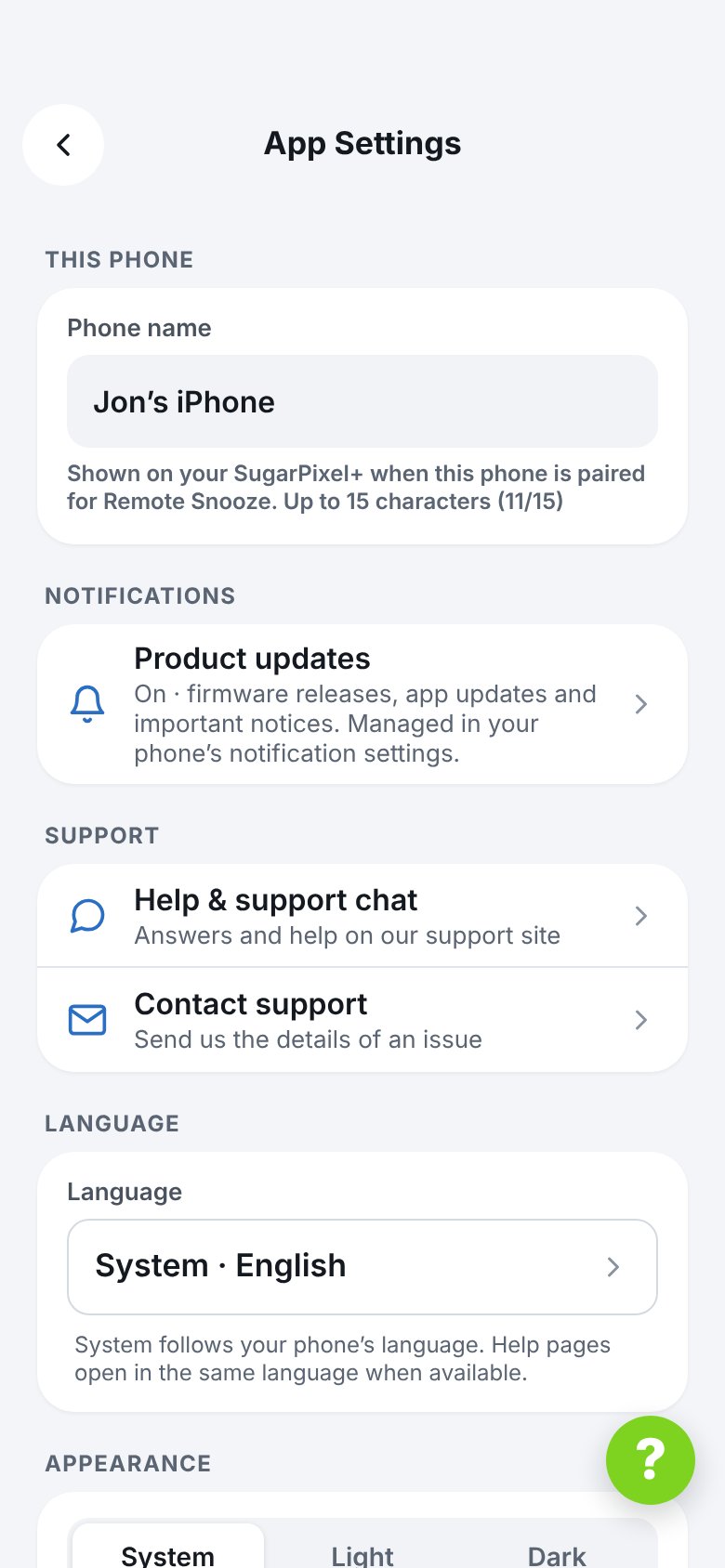
- Phone name — shown on a SugarPixel+ when this phone is paired for Remote Snooze. Up to 15 characters.
- Notifications — shows whether Product updates notifications (firmware releases, app updates and important notices) are on. If they’re off, tap the red row to turn them on in your phone’s settings.
- Help & support chat — opens this help site in the app.
- Contact support — sends a support request with your SugarPixel’s settings attached. See How do I contact support?
- Language — System follows your phone’s language. Help pages open in the same language.
- Appearance — System, Light or Dark.
- App version, plus Update now when a newer version is available.
- Release notes — what changed in each version.
- Terms of Service.