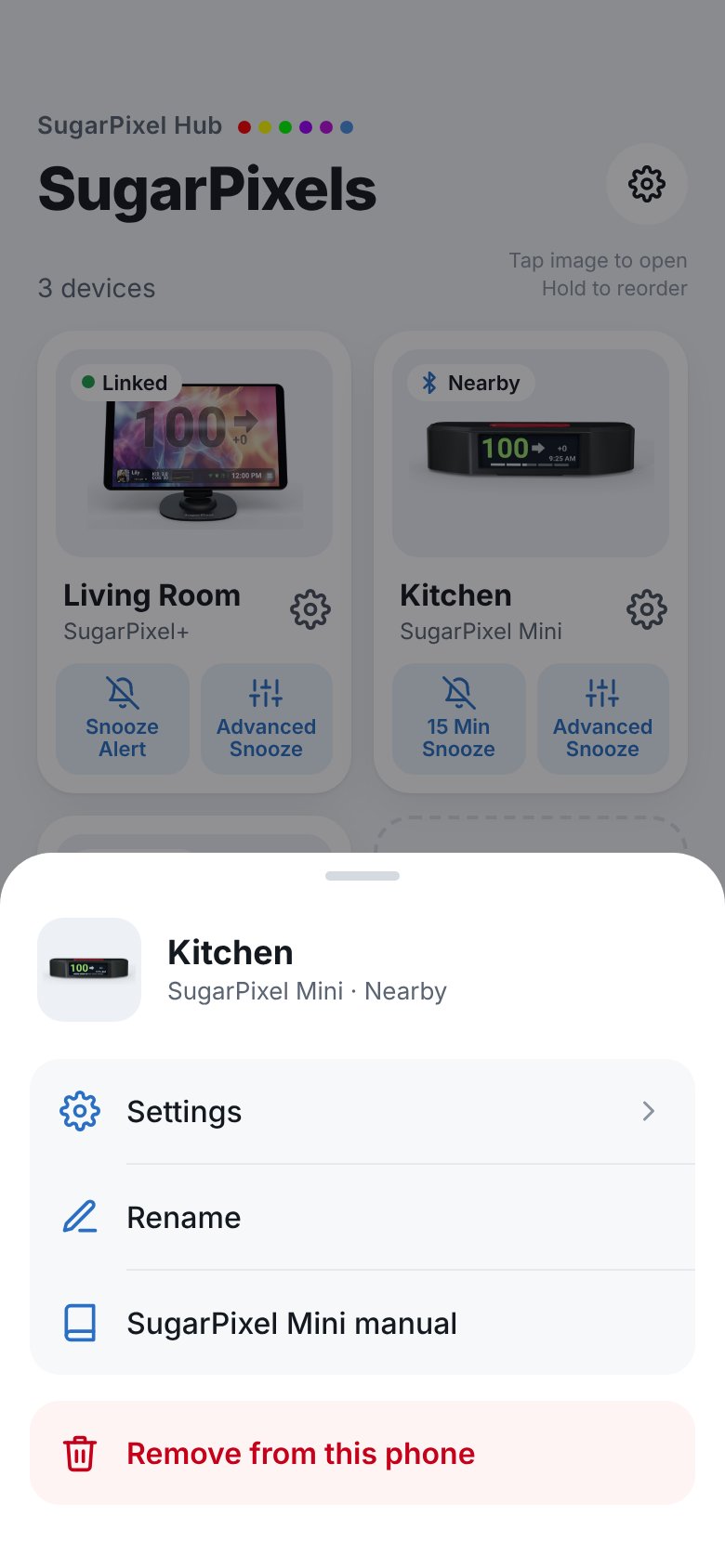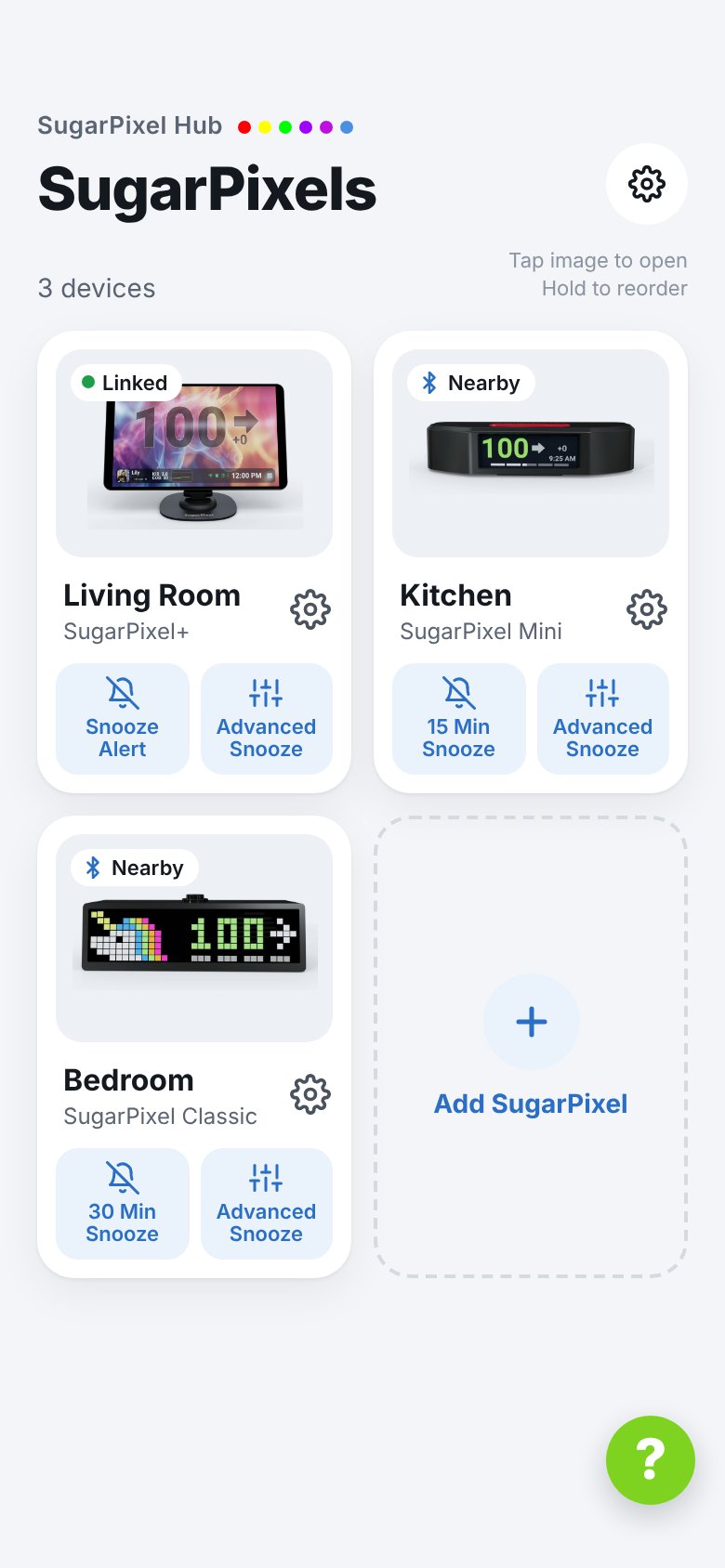
- Cards — one per SugarPixel. Tap the picture to open it. The label on the picture shows:
- Nearby / Not nearby Mini Classic — in Bluetooth range or not
- Linked / Not linked SugarPixel+ — paired for remote snooze or not
- Snooze buttons — quick snooze and Advanced Snooze. See Snoozer (Mini/Classic) or Remote Snooze (SugarPixel+).
- ⚙ next to a name — Settings, Rename, Quick snooze time, the manual, and Remove from this phone.
- Add SugarPixel tile — add a SugarPixel.
- ⚙ at the top right — App Settings.
- ? — opens this help site in the app.