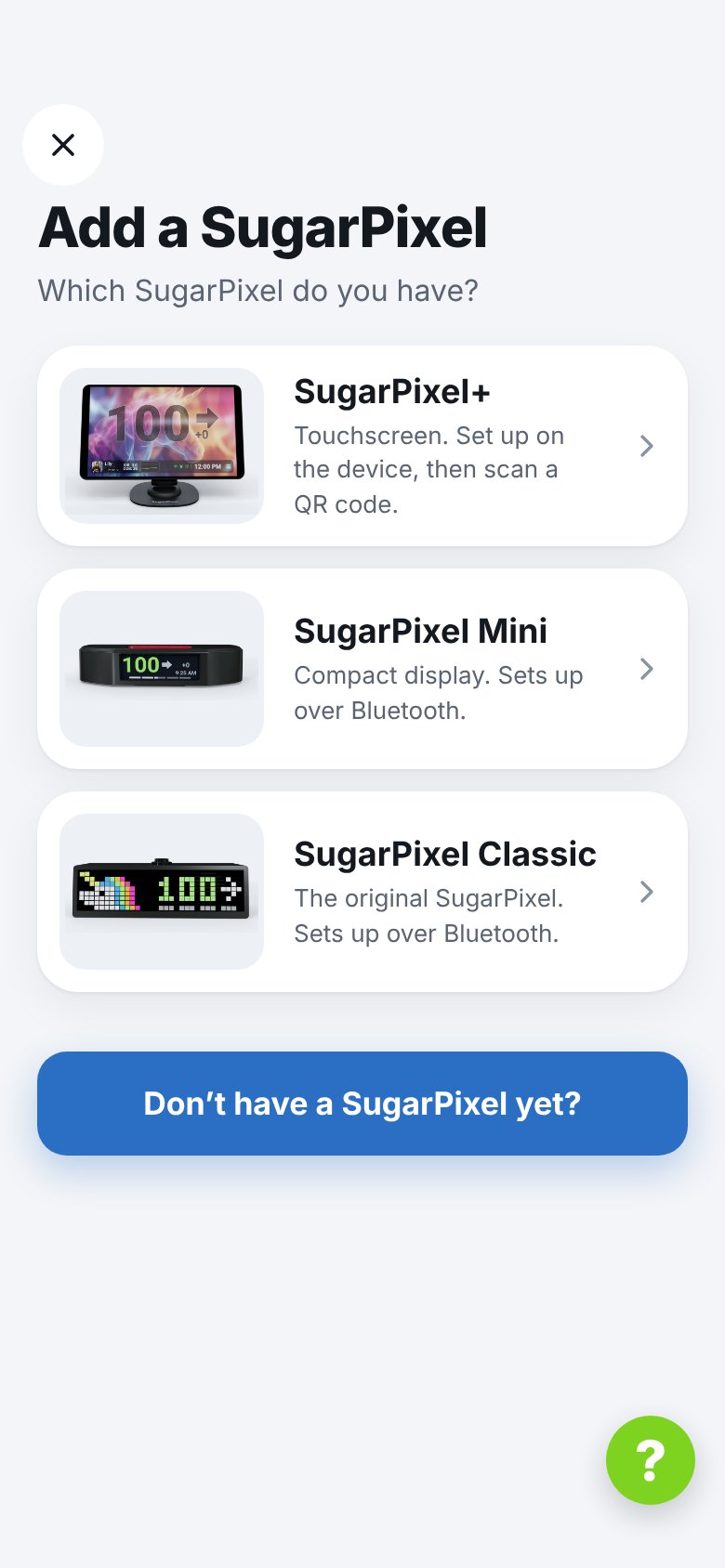
SugarPixel Mini or Classic
The app finds it over Bluetooth, pairs, and opens the setup wizard. See Install & Add a SugarPixel.SugarPixel+
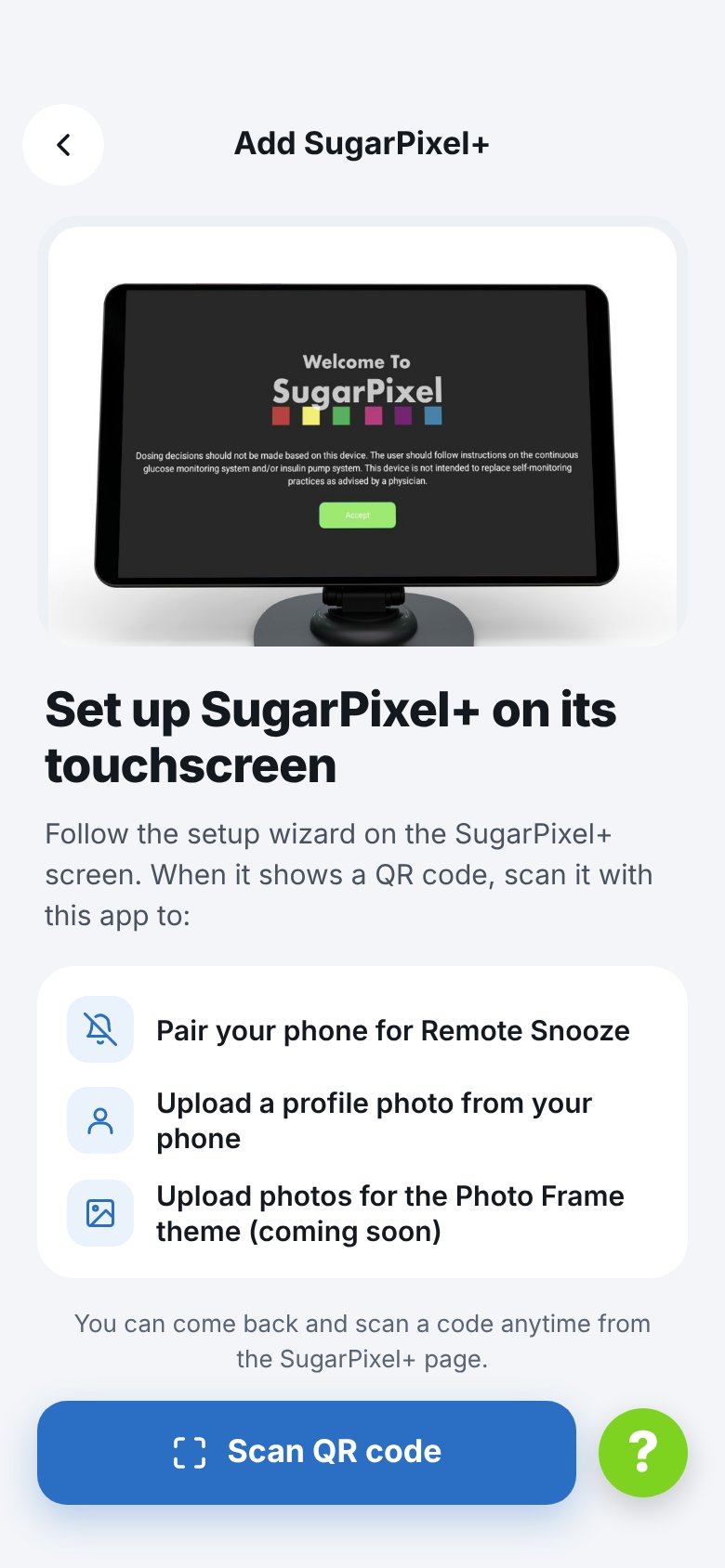
SugarPixel+ is set up on its own touchscreen. In the app, tap Scan QR code and scan the QR code SugarPixel+ shows for remote snooze or photo uploads.