

1
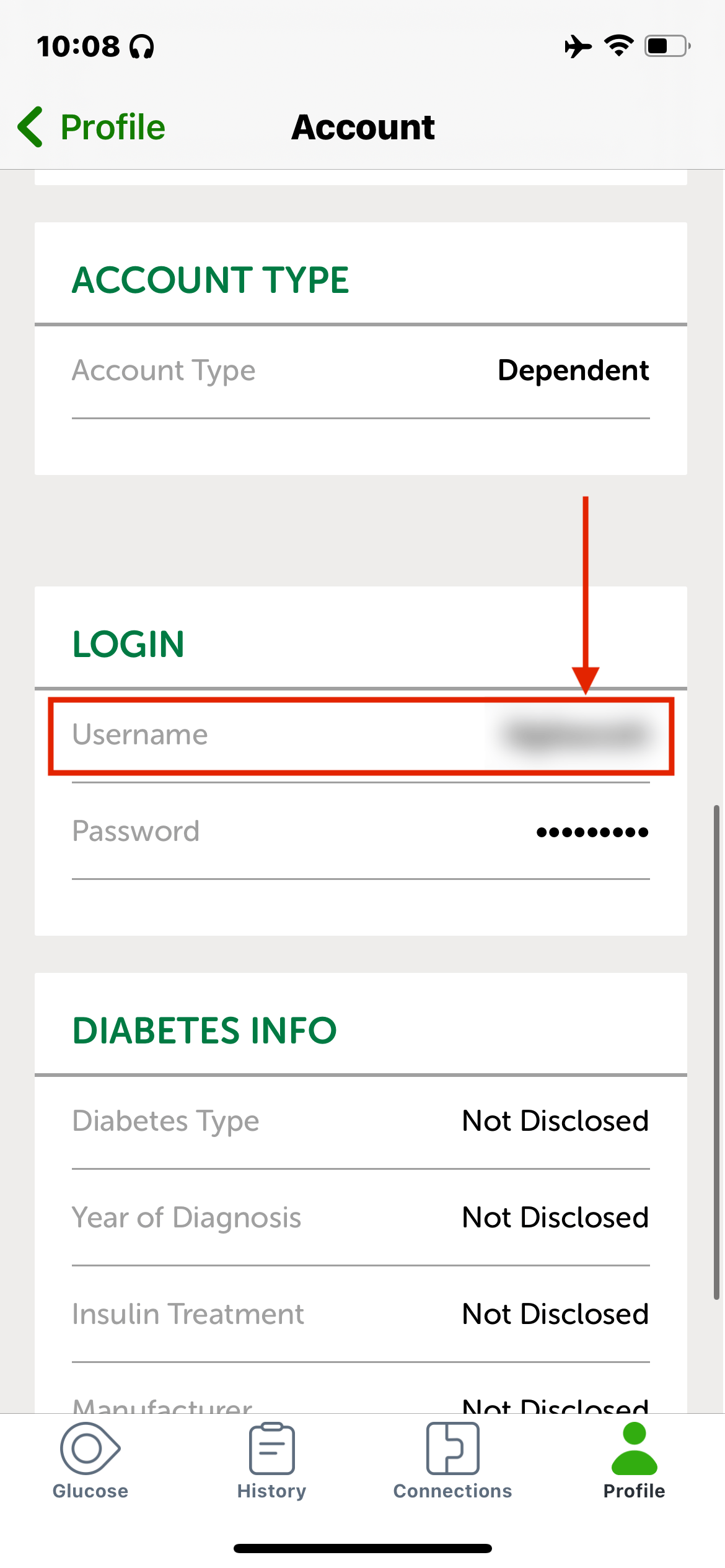
Find your Dexcom username
2
Test your login on the Dexcom website
Before entering your password in SugarPixel+, confirm it works on the Dexcom website first:
- USA: clarity.dexcom.com
- Outside USA: clarity.dexcom.eu
3
Enable Sharing
Dexcom only uploads real-time data when Sharing is enabled and at least one follower exists. Add a follower in the Dexcom app before continuing. If you don’t want others following you, invite yourself and install the Follow app with alerts disabled.
4
Enter your login in SugarPixel+
Enter your Dexcom username and password and tap Test Connection. Your current glucose reading appears immediately if successful.