

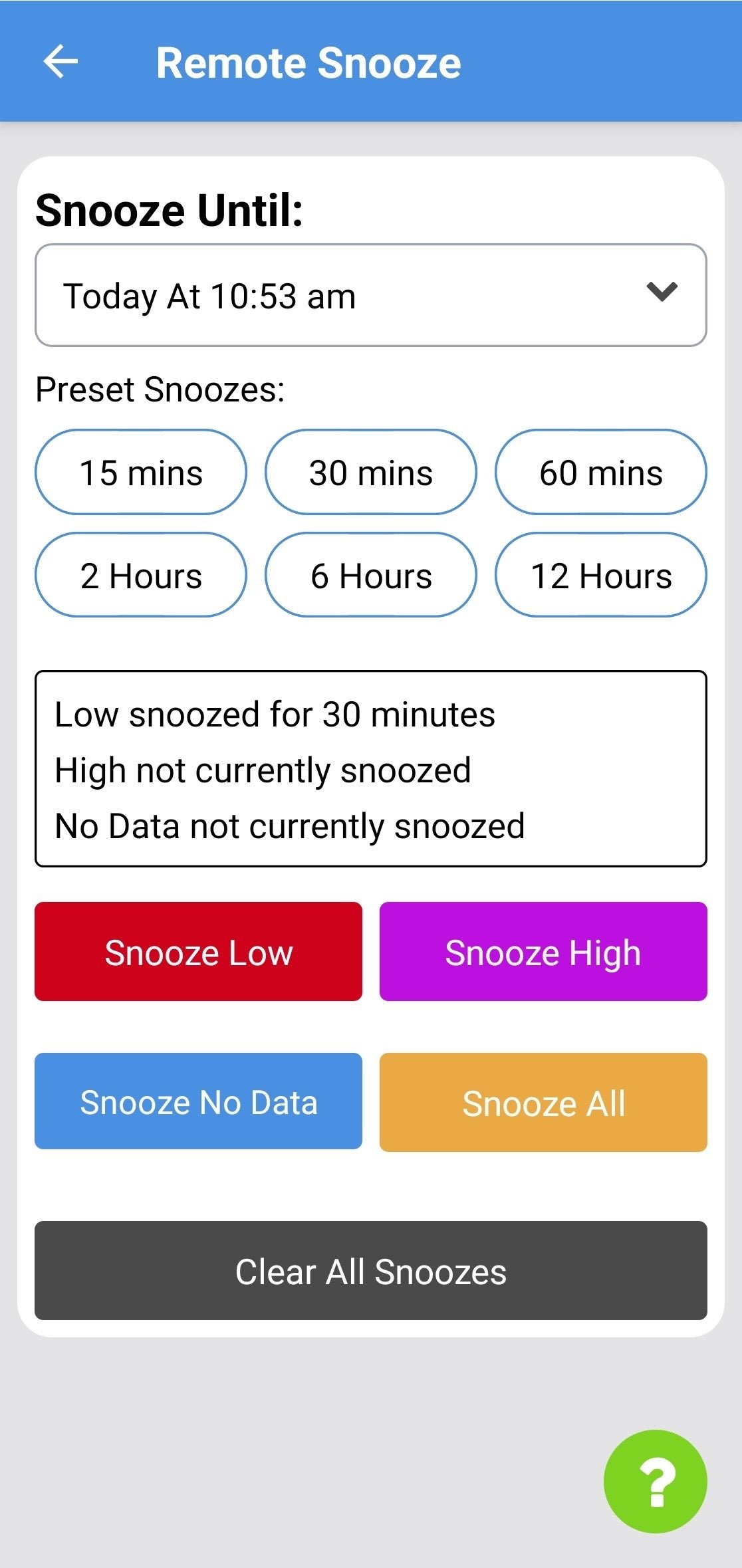
- Set a duration
Use Snooze Until to pick a specific time, or choose a Preset for a common duration. - Apply the snooze
Tap Low, High, No Data, or All. If no alert is active, it applies as a pre-snooze — useful when stepping away from SugarPixel Mini/Classic.
Remote snooze requires your phone to be within Bluetooth range of SugarPixel Mini/Classic.