

Color Reference Chart
Color Reference Chart
Most displays color code the blood glucose value or the background based on the below color chart. The values listed are the default values, but these can be changed in the Display Options settings.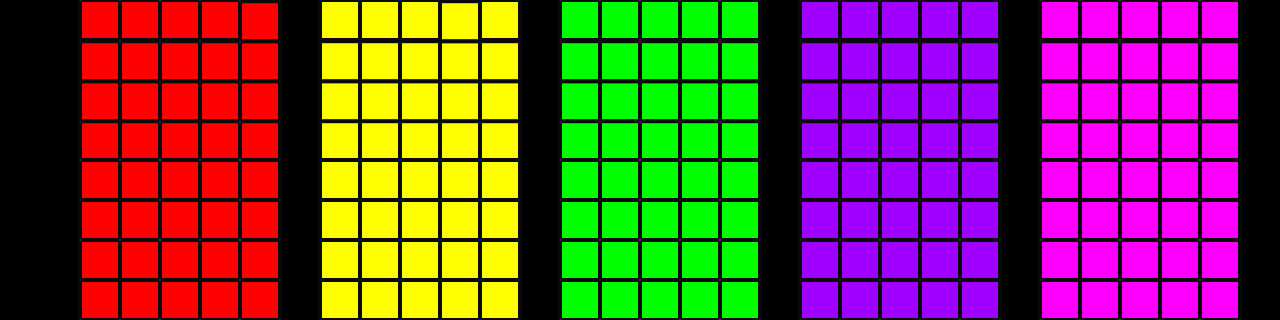

Delta Display Reference
Delta Display Reference
SugarPixel Mini/Classic calculates the delta (change from the prior reading) by comparing the last 2 readings. At times, there may be a large gap between these readings, such as the last reading before a sensor change and the first reading after a sensor change. In firmware version 1.66 and newer, Delta displays work similarly to “No Data” color-coded functionality to prevent relying on the delta change when it is not relevant.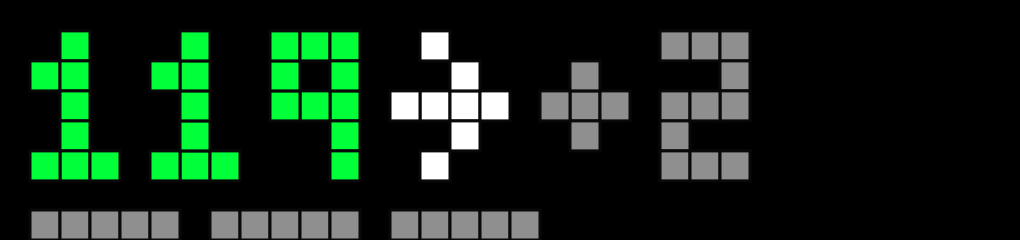
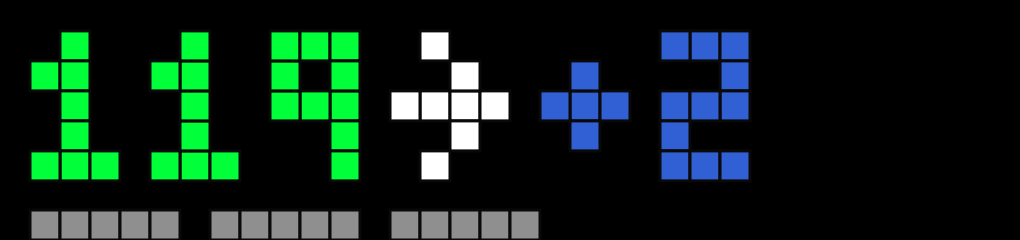
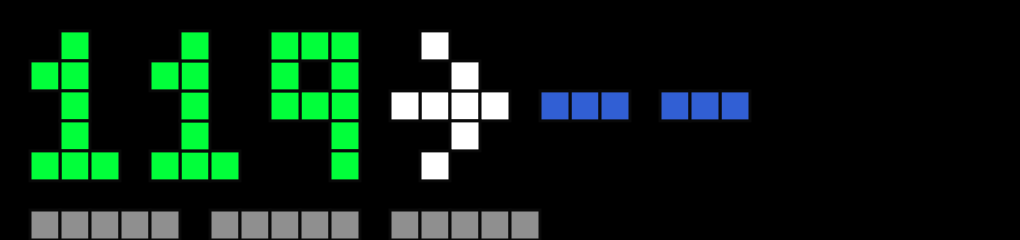
- If the last 2 BG readings are within 15 minutes of each other, SugarPixel Mini/Classic displays the Delta as normal
- If the last 2 BG readings are between 15-30 minutes of each other, SugarPixel Mini/Classic displays the Delta in blue
- If the last 2 BG readings are greater than 30 minutes of each other, SugarPixel Mini/Classic displays ”- -” instead of the Delta because the Delta is no longer relevant with this large of a time gap.
Reference Charts
Classic
Reference Charts
Classic
Trend Arrow Reference Chart
Standard Arrows
Left to Right: Steady, Slowly Rising, Rising, Rapidly Rising

Small Arrows
Displays with the clock, 2 users, and some mmol/L displays utilize the small arrow symbols.Left to Right: Steady/Unknown, Slowly Dropping, Dropping, Rapidly Dropping, Slowly Rising, Rising, Rapidly Rising.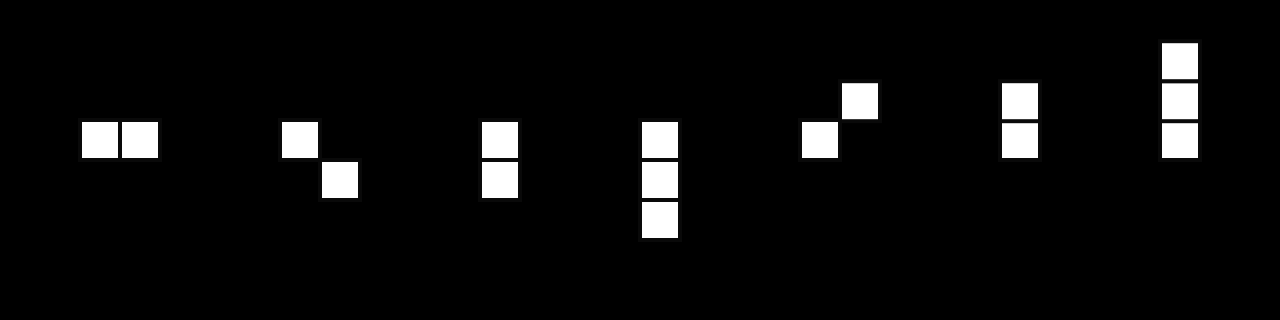
Big Arrows
The Big BG utilizes the full size arrows.Left to Right: Steady, Slowly Rising, Rising, Rapidly Rising

Emoji Icon Reference
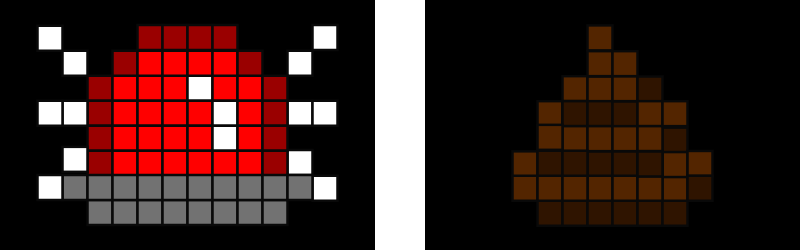
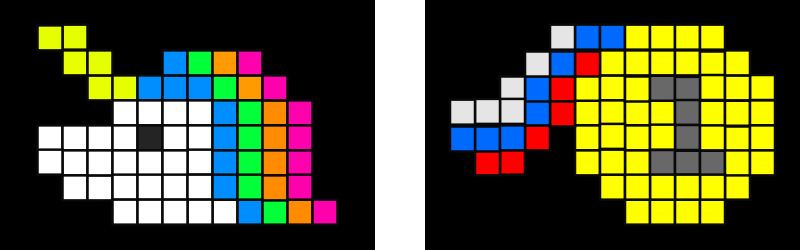
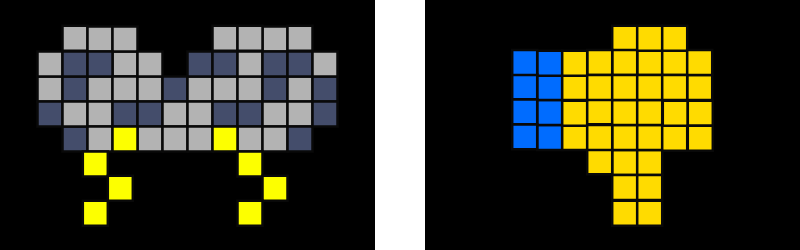
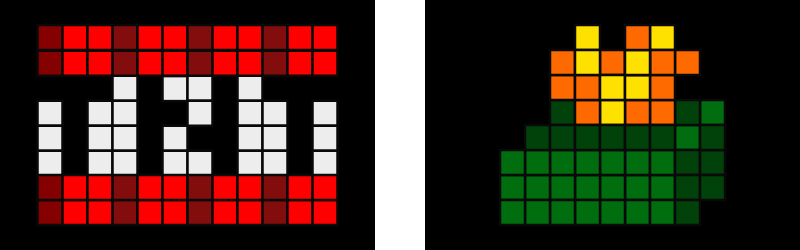
The SugarPixel Mini/Classic emoji displays are a fun way to view your BG data and can be helpful for young children who cannot read. The emoji can be displayed with color-coded BG and trend arrow to also see your actual reading or with fun slang text instead of your BG reading. The text is color coded to match your BG range colors.Below is a reference of emojis for each range. One emoji from the matching range set will be chosen at random each time it is displayed.Urgent Low - Siren, Poo
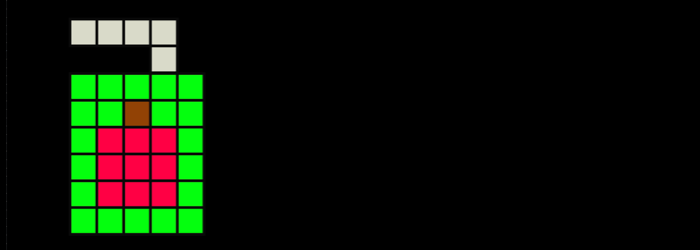
Low - Sucker, Lollipop, Juicebox

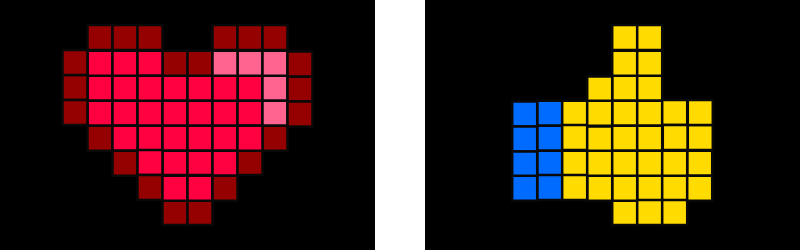
In Range - Heart, Thumbs Up
Unicorn - Gold Medal
High - Thunderstorm, Thumbs Down
Urgent High - TNT, Dumpster Fire
Old or No Data - Clock, Hour Glass

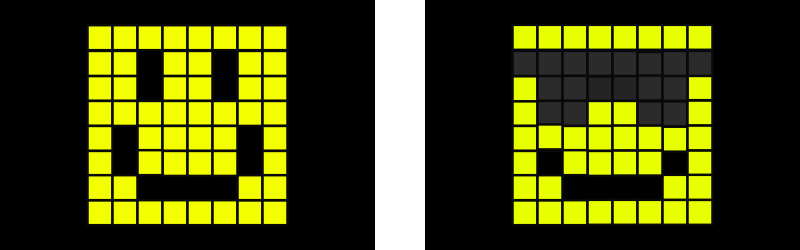
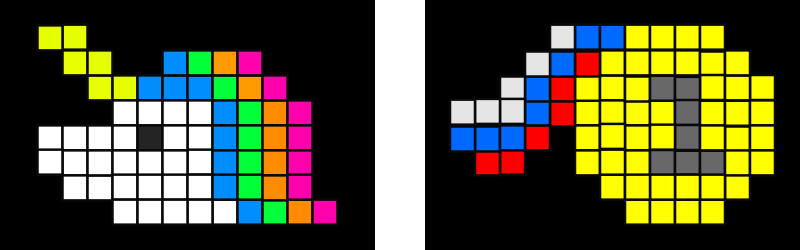
Emoji Smiley Reference
The SugarPixel Mini/Classic emoji displays are a fun way to view your BG data and can be helpful for young children who cannot read. The emoji can be displayed with color-coded BG and trend arrow to also see your actual reading or with fun slang text instead of your BG reading. The text is color coded to match your BG range colors.Below is a reference of emojis for each range. One emoji from the matching range set will be chosen at random each time it is displayed.Urgent Low

Low
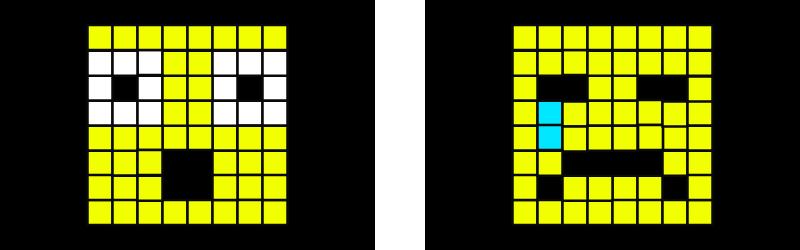
In Range
Unicorn
High
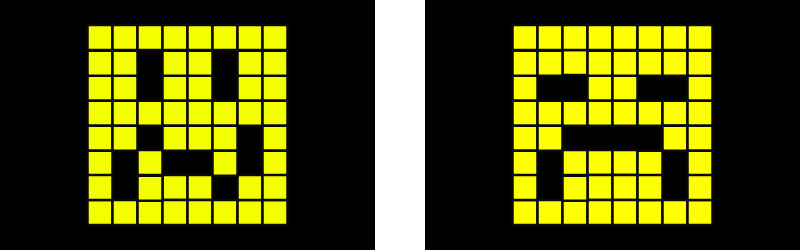
Urgent High
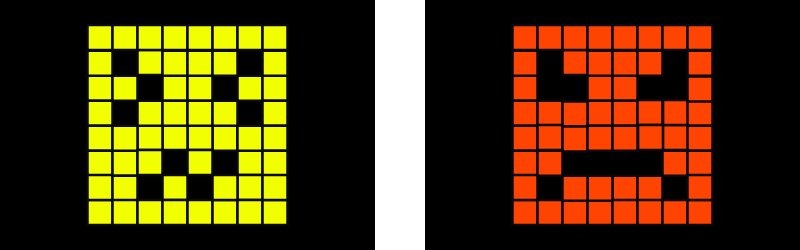
Old or No Data