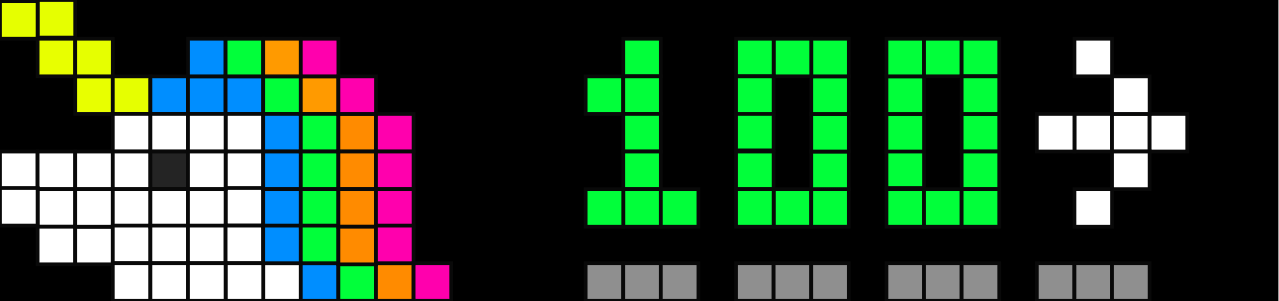
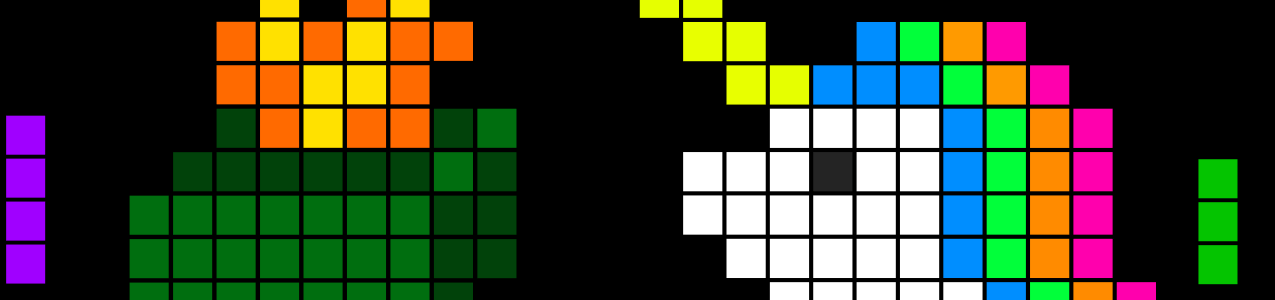
Want to display the unicorn you’ve seen in photos? That option is available in the Emoji display types.
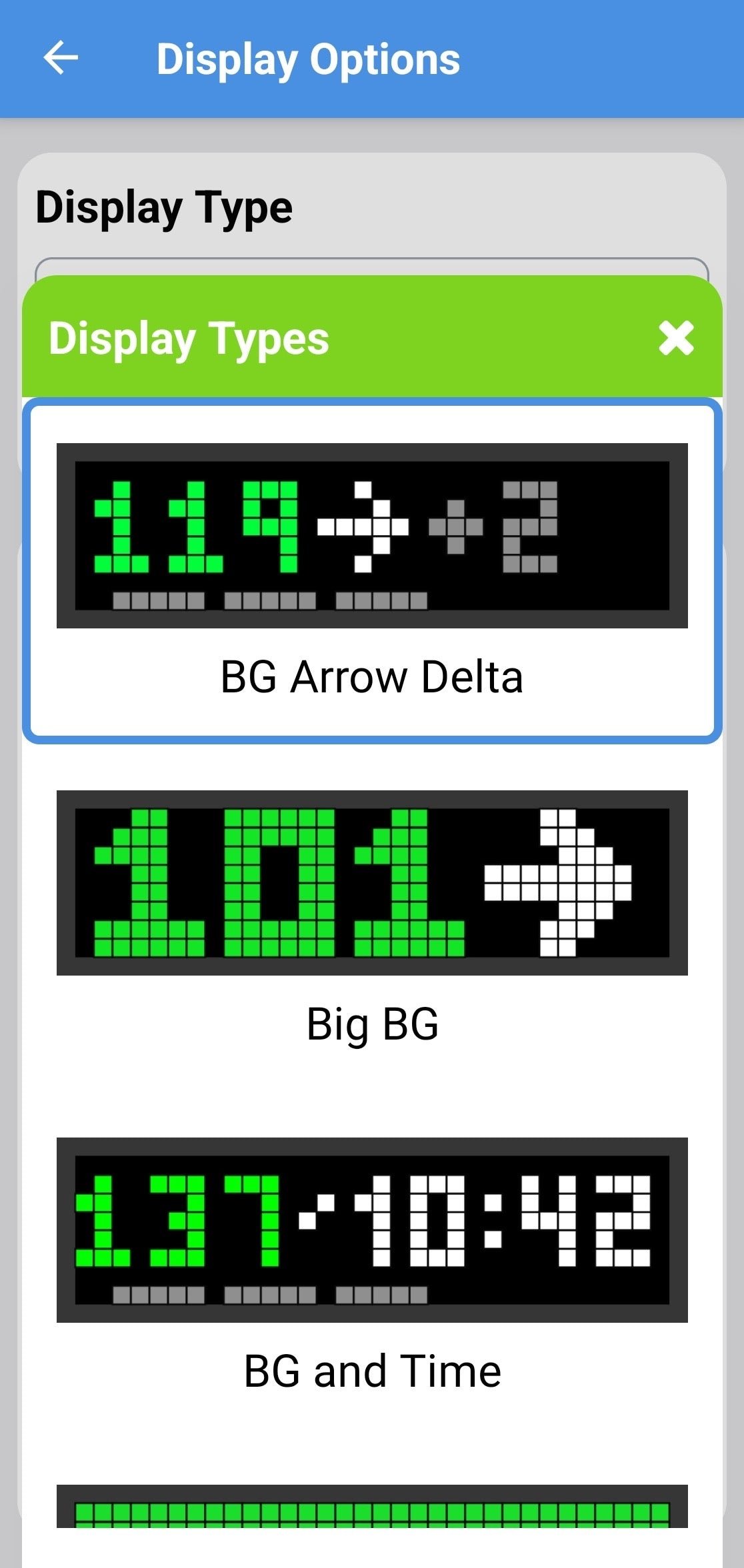
Single User Displays
BG Arrow Delta
BG Arrow Delta
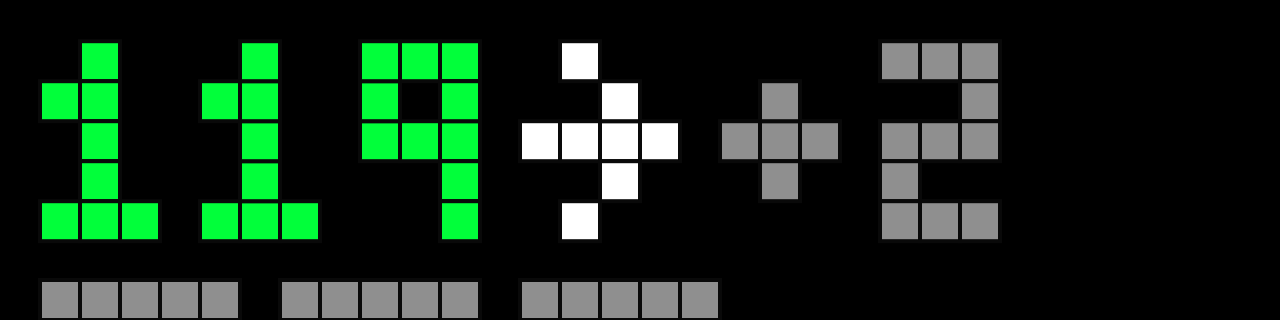
- BG color coded - Color Reference Chart
- Trend Arrow - standard arrows (mg/dL), small arrows (mmol/L) - Trend Arrow Chart
- Delta = change from prior reading, color coded by time elapsed - Delta Display
- Bottom bars = minutes since last reading (1 bar = 1 min, 5 bars = 5+ min)
- Long-press snooze to temporarily show BG and Time
- Invert option shown below
Big BG
Big BG
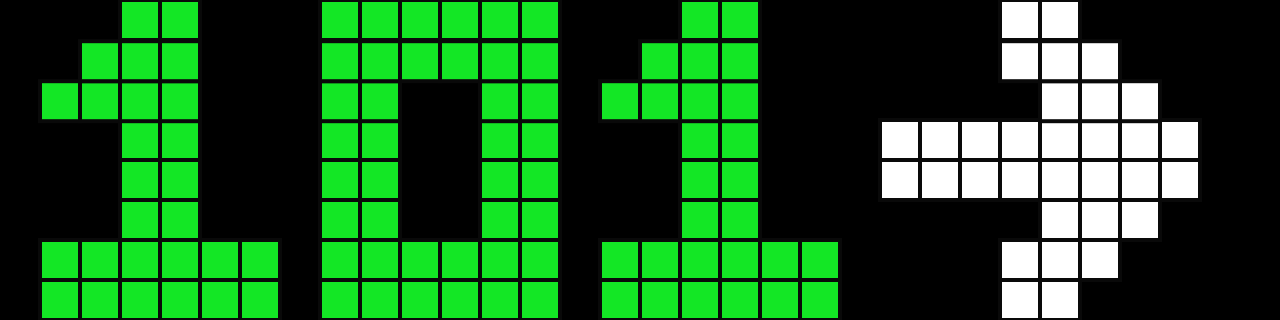
- BG color coded - Color Reference Chart
- Trend Arrow - big arrows - Trend Arrow Chart
- Long-press snooze to temporarily show BG and Time
- Invert option shown below
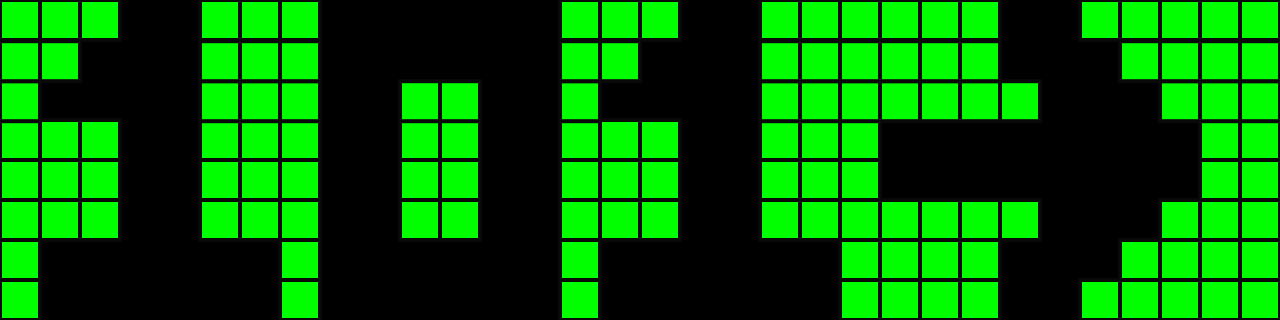
BG and Time
BG and Time
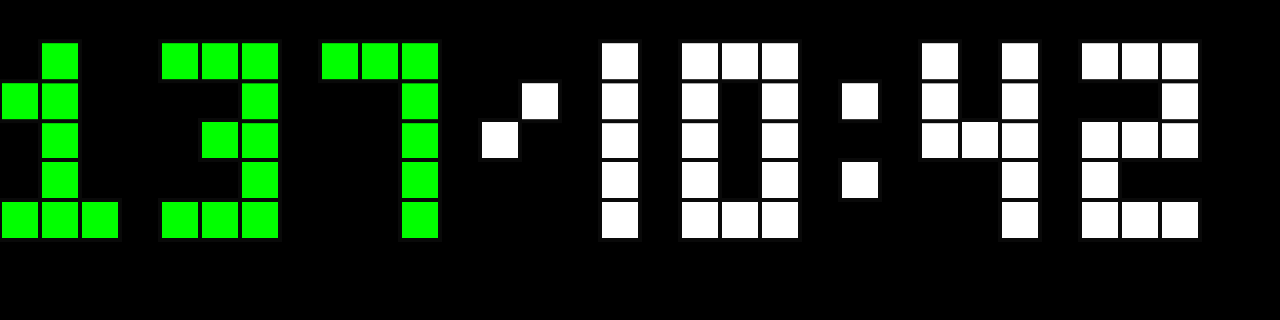
- BG color coded - Color Reference Chart
- Trend Arrow - small arrows - Trend Arrow Chart
- Time based on your time zone setting
- Bottom bars = minutes since last reading (1 bar = 1 min, 5 bars = 5+ min)
- Long-press snooze to temporarily show BG Arrow Delta
- Invert option shown below
Color Time
Color Time

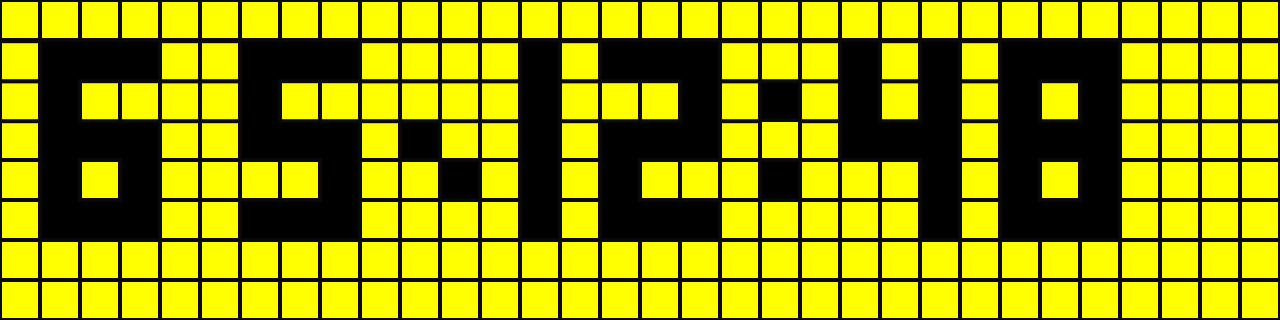
- Time color coded to BG - Color Reference Chart
- Time based on your time zone setting
- Bottom bars = minutes since last reading (1 bar = 1 min, 5 bars = 5+ min)
- Long-press snooze to temporarily show BG Arrow Delta
- Invert option shown below
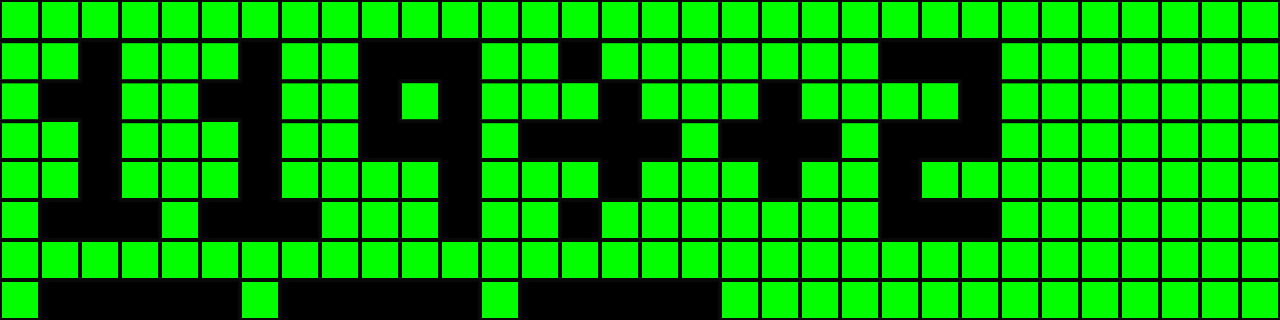
Color
Color

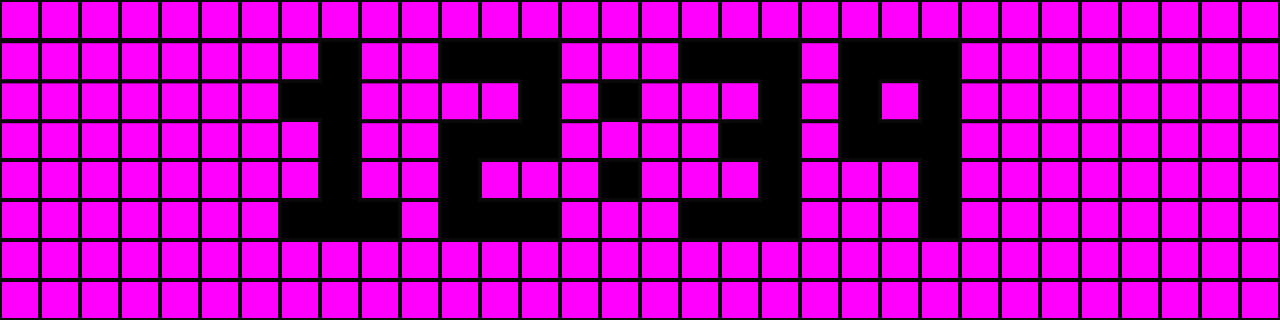
- Entire display color coded for a quick glance - Color Reference Chart
- Bottom bars = minutes since last reading (1 bar = 1 min, 5 bars = 5+ min)
- Long-press snooze to temporarily show BG and Time
- Invert: no effect on this display
Emoji Smiley BG
Emoji Smiley BG

- Emoji changes based on BG - Emoji Smileys Reference
- BG color coded - Color Reference Chart
- Trend Arrow - standard arrows (mg/dL), small arrows (mmol/L) - Trend Arrow Chart
- Bottom bars = minutes since last reading (1 bar = 1 min, 5 bars = 5+ min)
- Long-press snooze to temporarily show BG and Time
- Invert: right side only
- Unicorn: set your threshold value in display settings
Emoji Smiley Slang
Emoji Smiley Slang
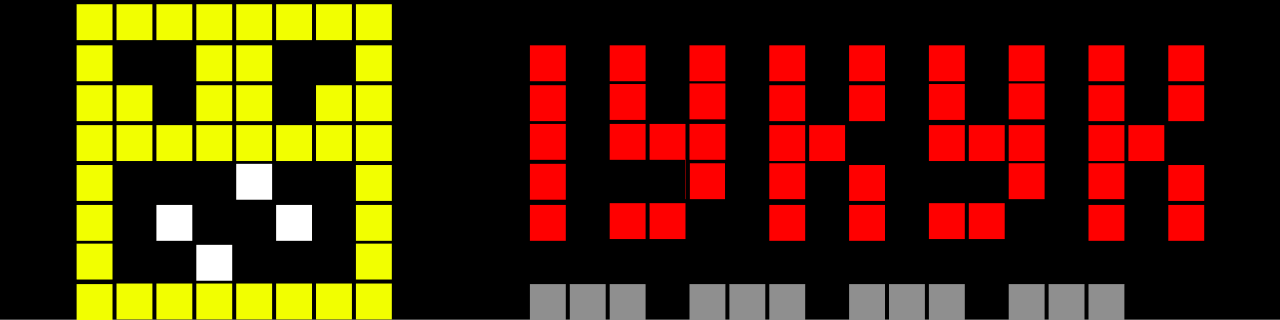
- Emoji changes based on BG - Emoji Smileys Reference
- BG range shown as color coded slang - Color Reference Chart and Slang Reference
- Bottom bars = minutes since last reading (1 bar = 1 min, 5 bars = 5+ min)
- Long-press snooze to temporarily show BG and Time
- Invert: right side only
- Unicorn: set your threshold value in display settings
- If you’re too old to know the teen lingo of today, you can cheat by reading the definitions on the Slang Reference page.
Emoji Icon BG
Emoji Icon BG
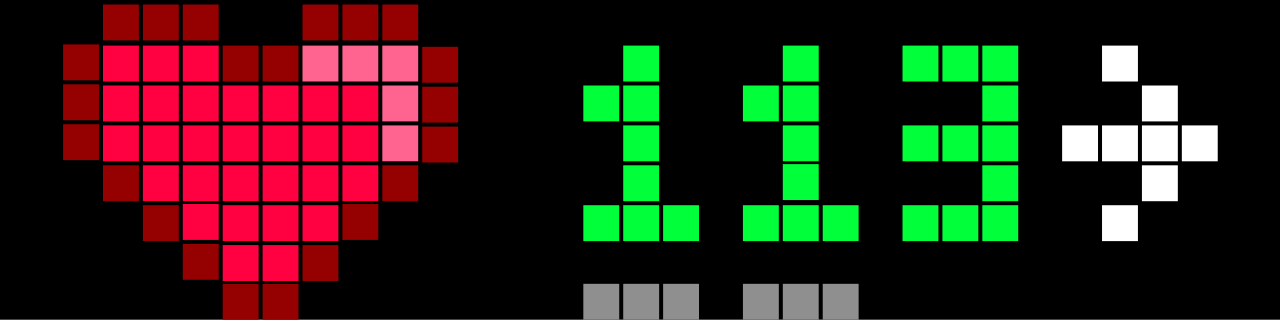
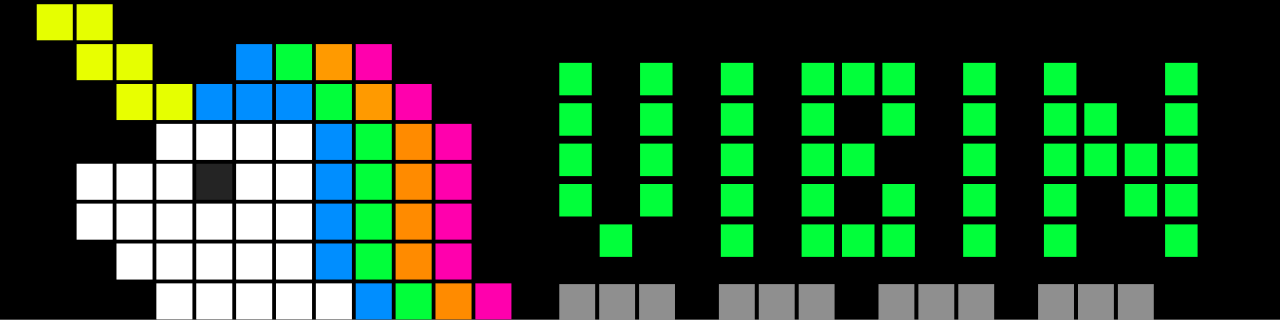
- Emoji changes based on BG - Emoji Icons Reference
- BG color coded - Color Reference Chart
- Trend Arrow - standard arrows (mg/dL), small arrows (mmol/L) - Trend Arrow Chart
- Bottom bars = minutes since last reading (1 bar = 1 min, 5 bars = 5+ min)
- Long-press snooze to temporarily show BG and Time
- Invert: right side only
- Unicorn: set your threshold value in display settings
Emoji Icon Slang
Emoji Icon Slang
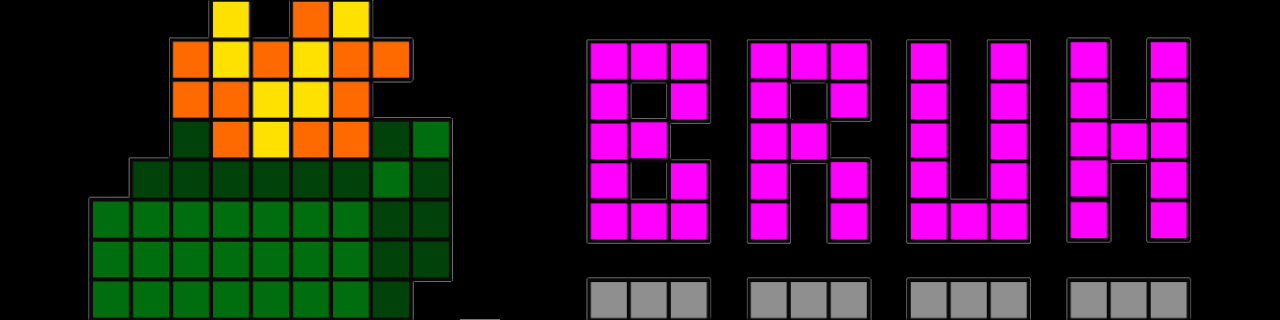
- Emoji changes based on BG - Emoji Icons Reference
- BG range shown as color coded slang - Color Reference Chart and Slang Reference
- Bottom bars = minutes since last reading (1 bar = 1 min, 5 bars = 5+ min)
- Long-press snooze to temporarily show BG and Time
- Invert: right side only
- Unicorn: set your threshold value in display settings
- If you’re too old to know the teen lingo of today, you can cheat by reading the definitions on the Slang Reference page.
Two User Displays
2 User BG
2 User BG
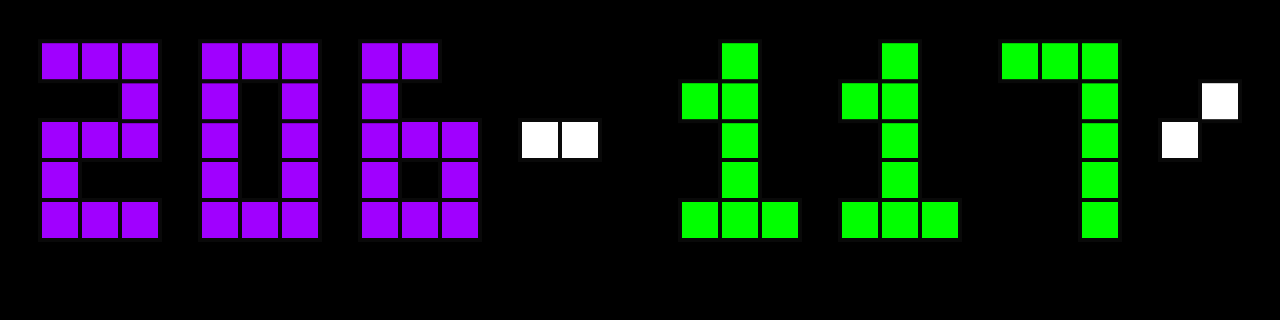
- User 1 = left, User 2 = right
- BG color coded - Color Reference Chart
- Trend Arrow - small arrows - Trend Arrow Chart
- Long-press snooze to temporarily show the time
- Invert option shown below
2 User Color
2 User Color
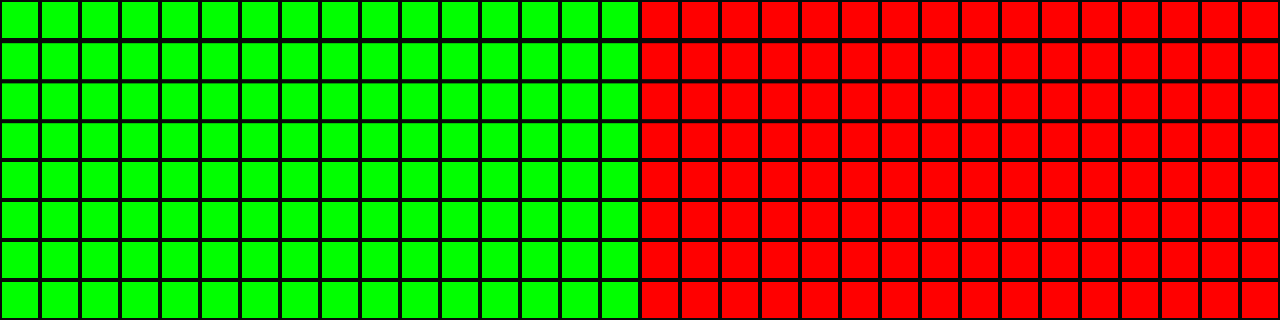
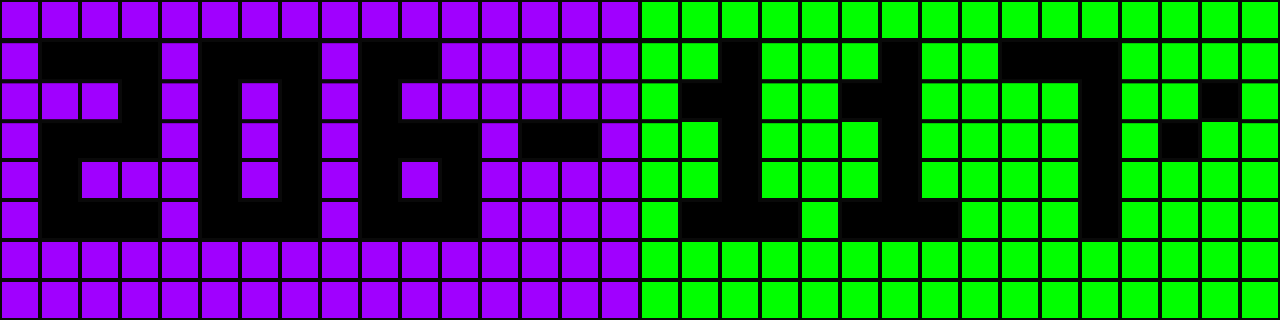
- User 1 = left, User 2 = right
- Entire display color coded for a quick glance - Color Reference Chart
- Long-press snooze to temporarily show 2 User BG
- Invert: no effect on this display
2 User Emoji Smiley
2 User Emoji Smiley
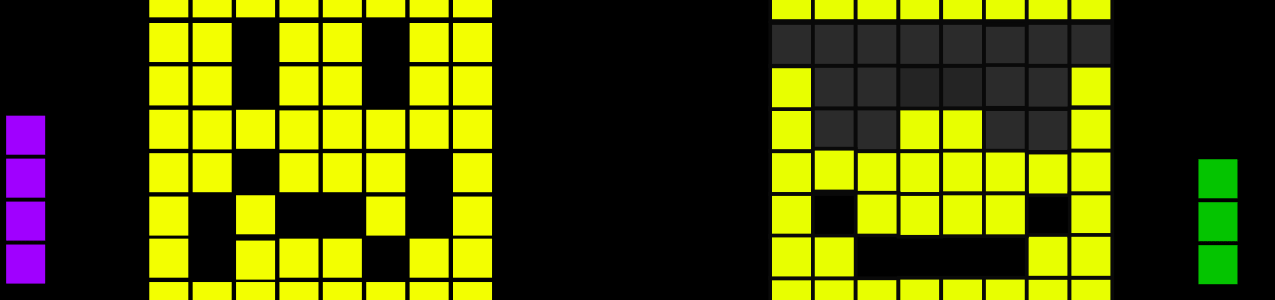
- Emoji changes based on BG - Emoji Smileys Reference
- Side bars = minutes since last reading per user (1 bar = 1 min, 5 bars = 5+ min), color coded to BG
- Long-press snooze to temporarily show 2 User BG
- Unicorn: set your threshold value in display settings
- Invert option shown below
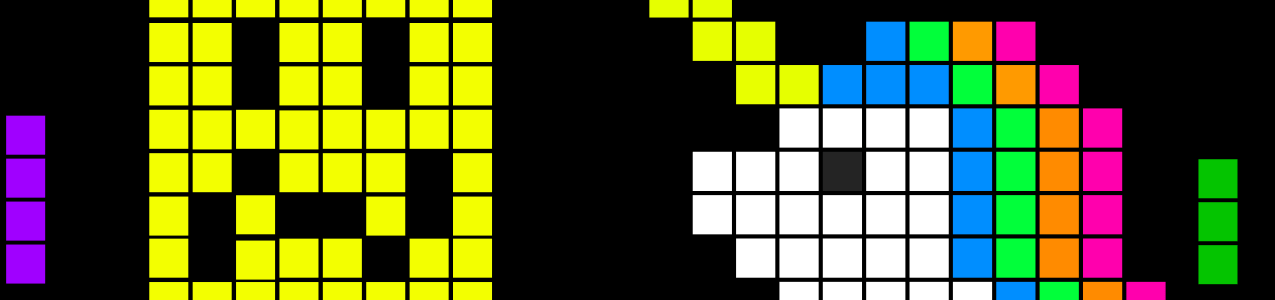
2 User Emoji Icon
2 User Emoji Icon
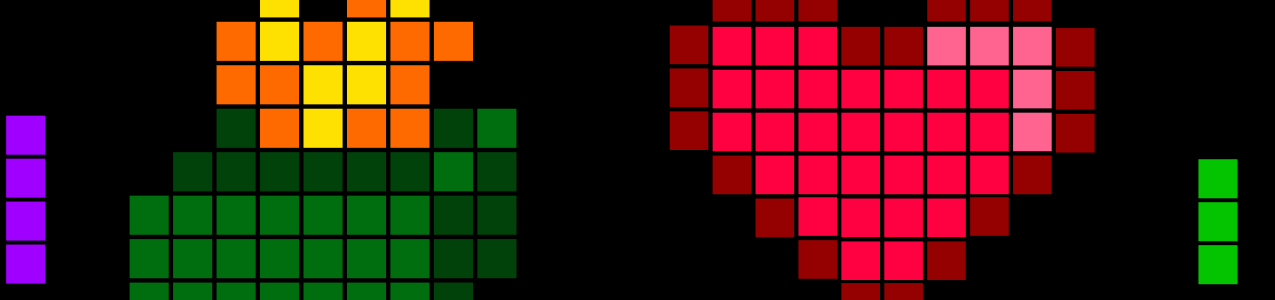
- Emoji changes based on BG - Emoji Icons Reference
- Side bars = minutes since last reading per user (1 bar = 1 min, 5 bars = 5+ min), color coded to BG
- Long-press snooze to temporarily show 2 User BG
- Unicorn: set your threshold value in display settings
- Invert option shown below
Display Settings
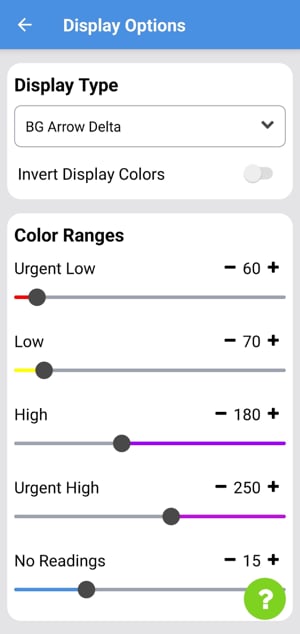
Color Ranges
Blink Minute Ticker
Animates the minute ticker to indicate seconds within the current minute.Day and Night Brightness
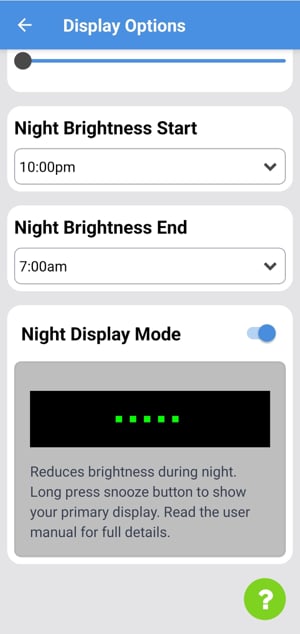
Automatically switches brightness between daytime and nighttime levels based on the times you set.Night Display Mode