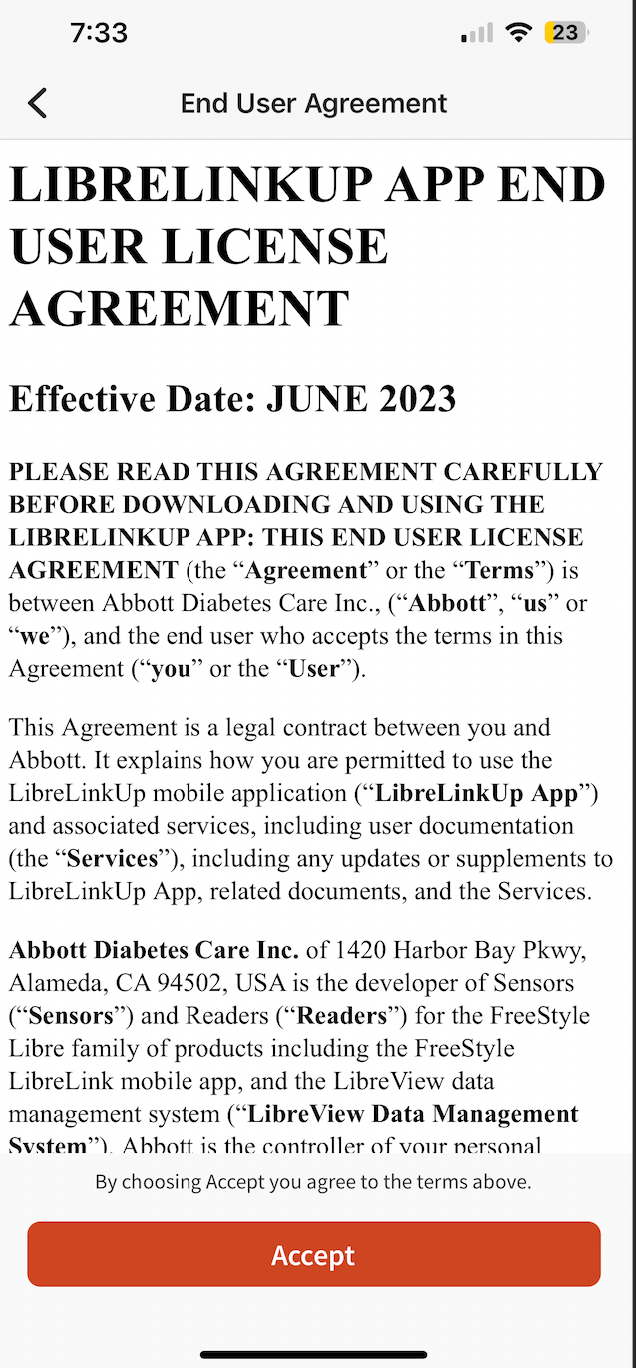
SugarPixel+ is prompting you to accept LibreLinkUp license terms
Start here: make sure your SugarPixel+ has the latest software installed. Install any update you’ve been notified about, and check your version under ≡ → General Settings → System.
Log out of the LibreLinkUp app, log back in, and accept any license or terms prompt that appears. This must be completed before SugarPixel+ can connect.